
Matr1x
Python package for data acquisition and instrument control
Links
AI / Agents
Community
Meta
Requires: Python >=3.10
Provides-Extra: elab, mcp, ppms
Package Info
Python tools for data recording, instrument control and visualization.
Further information
Please use the full user-guide for detailed information including installation instructions, usage examples, and troubleshooting tips.
Why Matr1x?
There are several good Python software packages that provide a framework for measurements and general instrument control. However, Matr1x aims to provide a more integrated user experience via a collection of tools that work together seamlessly. Matr1x can orchestrate device drivers, based on PyMeasure, PyVisa, or any other Python package, and provides several applications with a graphical user interface.
How it works
A person with some experience in Python programming creates a small, so-called system file that connects to the instrument drivers (e.g. a multimeter) and defines the desired parameters (e.g. current and voltage). Then, even users with no Python experience can use Matr1x to perform measurements, while more advanced users benefit from a code editor based on Monaco (which powers VS code) that allows them to write custom measurement scripts. Another tool for data visualization is provided as well.
Impressions of the software
Sweep Generator
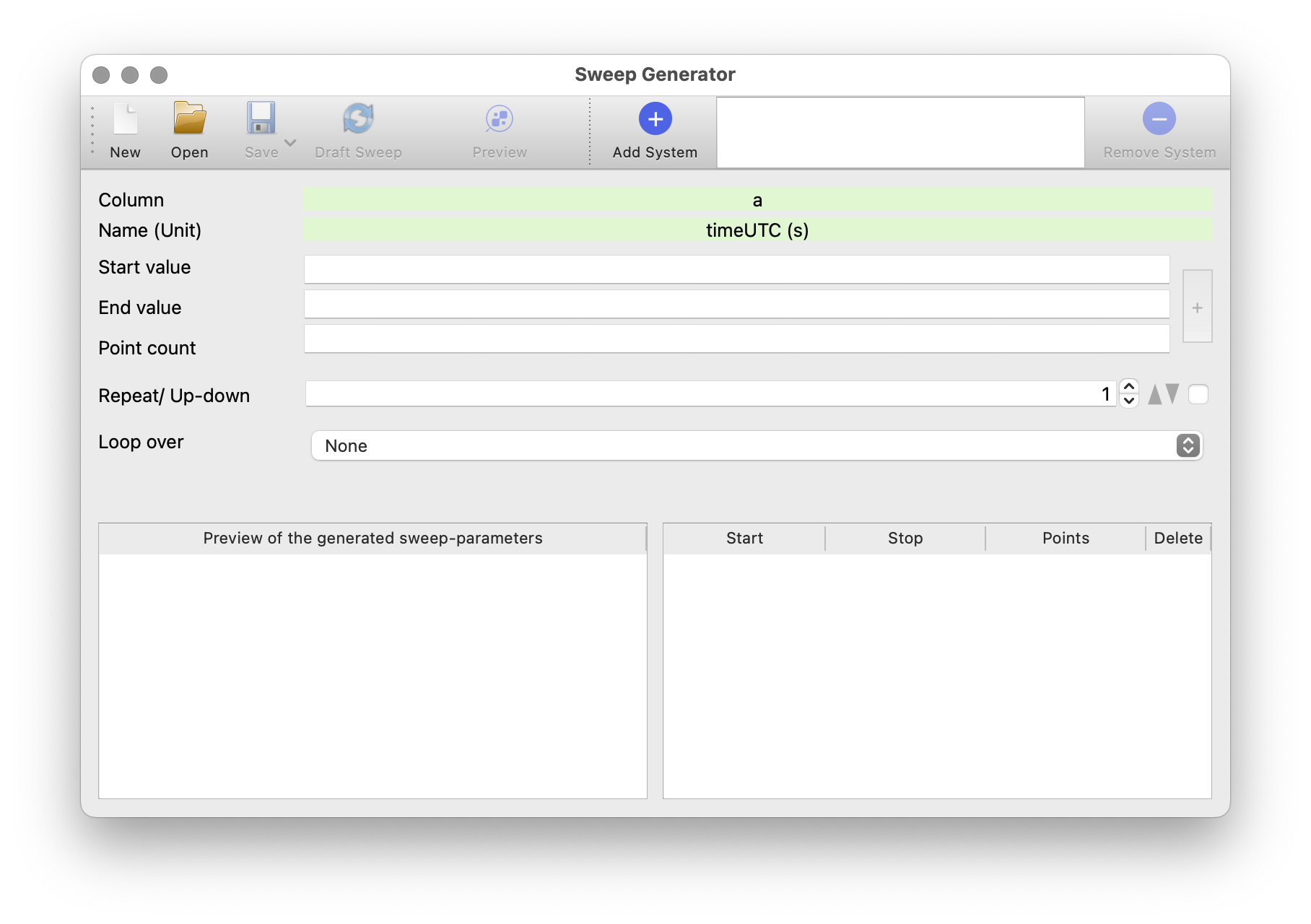 Application to generate sweeps to perform measurements.
Matrix GUI
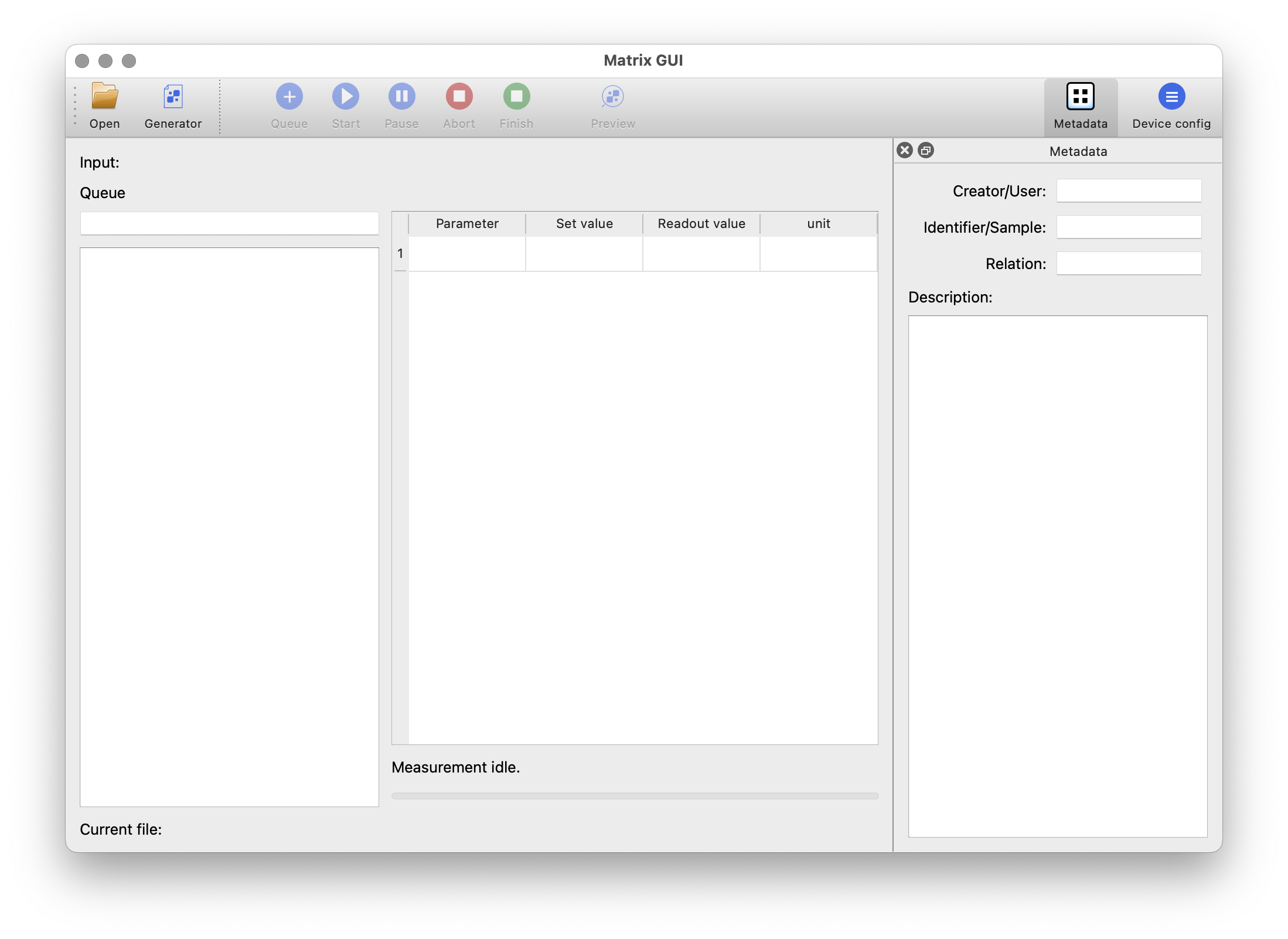 Read previously generated sweep data and perform (a series of) measurements.
Matrix Script
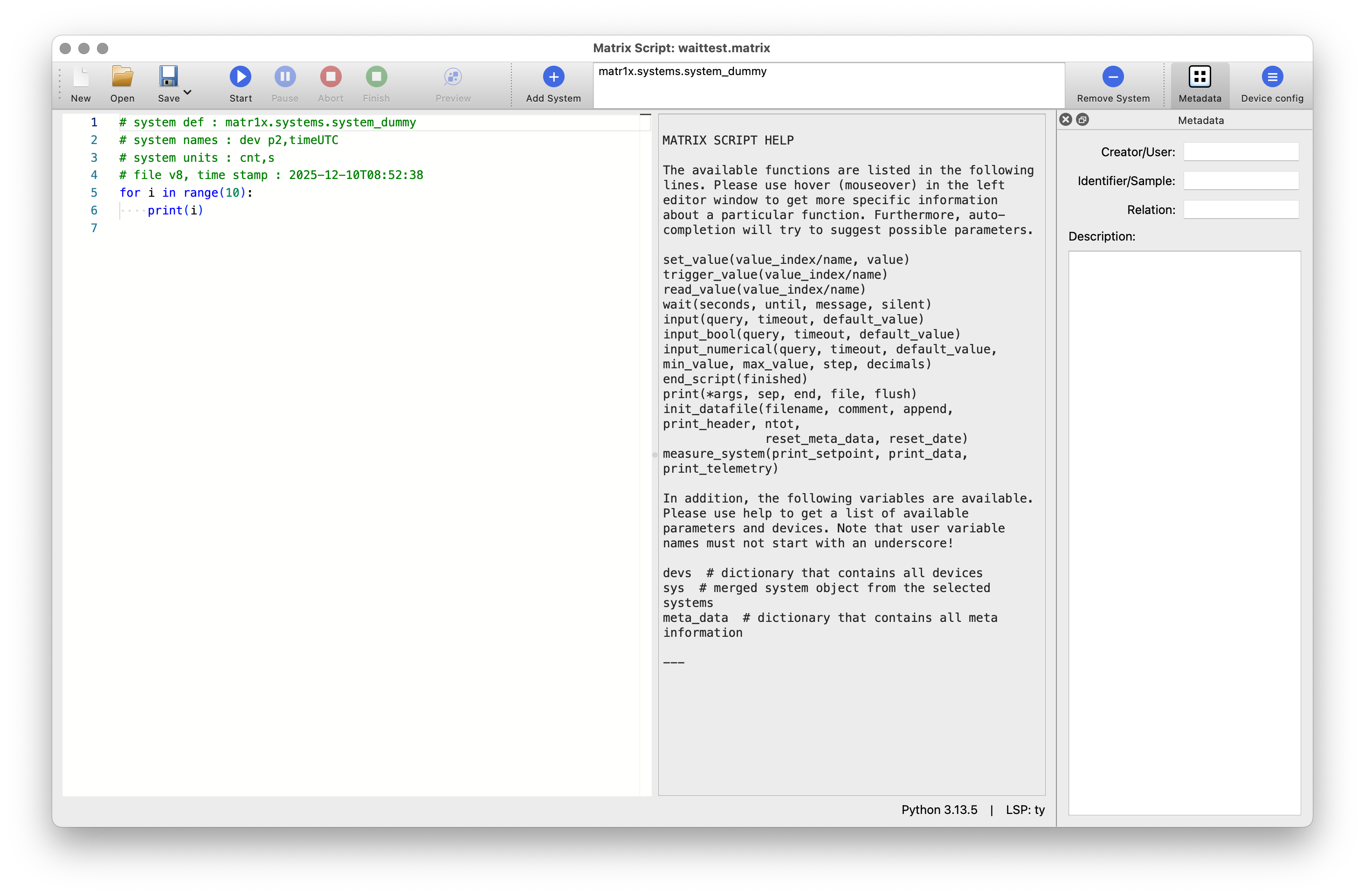 Run measurements or control other instruments in an integrated environment.
Matrix Preview
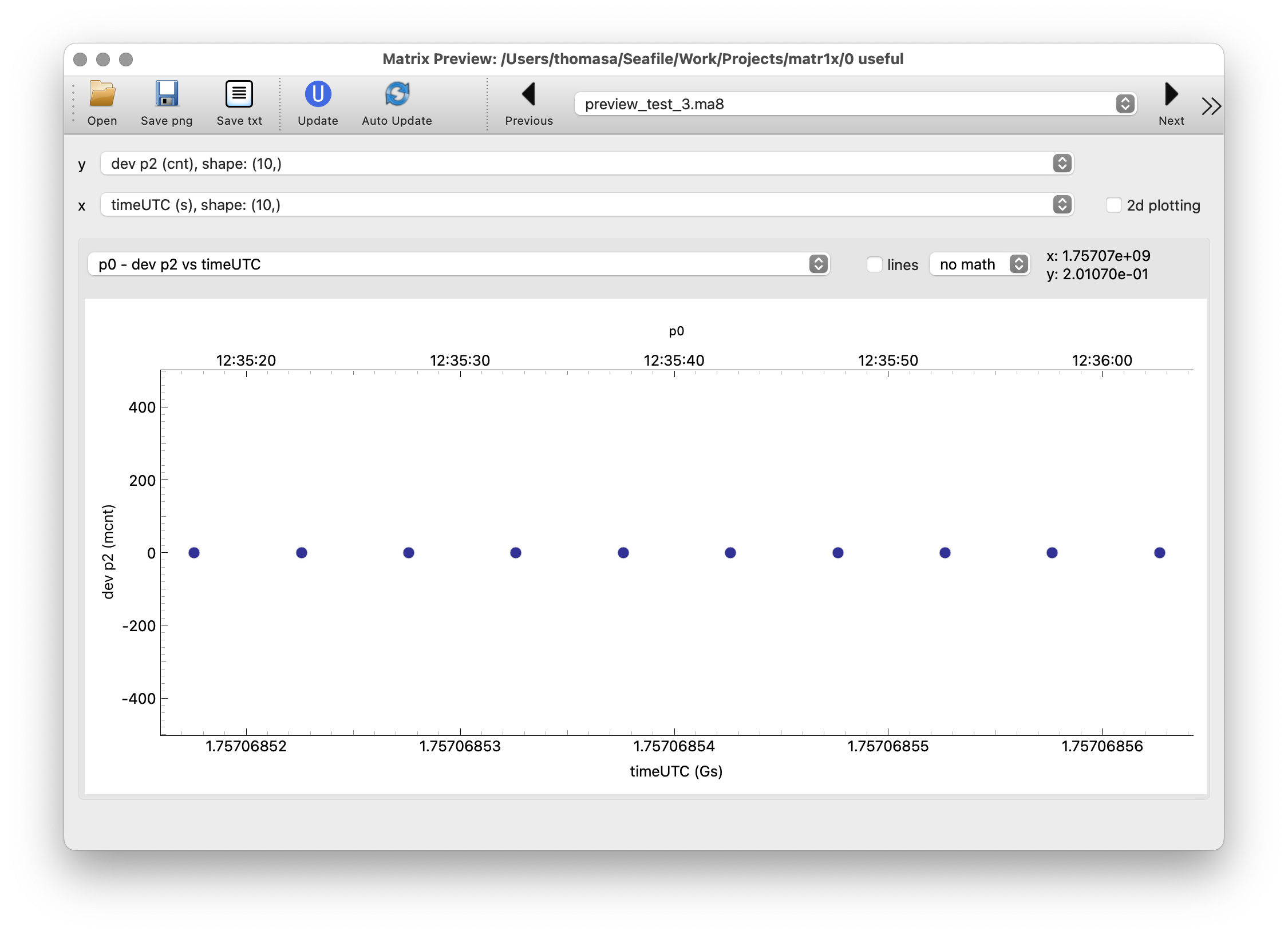 Quickly preview the results of the measurements or collected log data.
Control GUIs
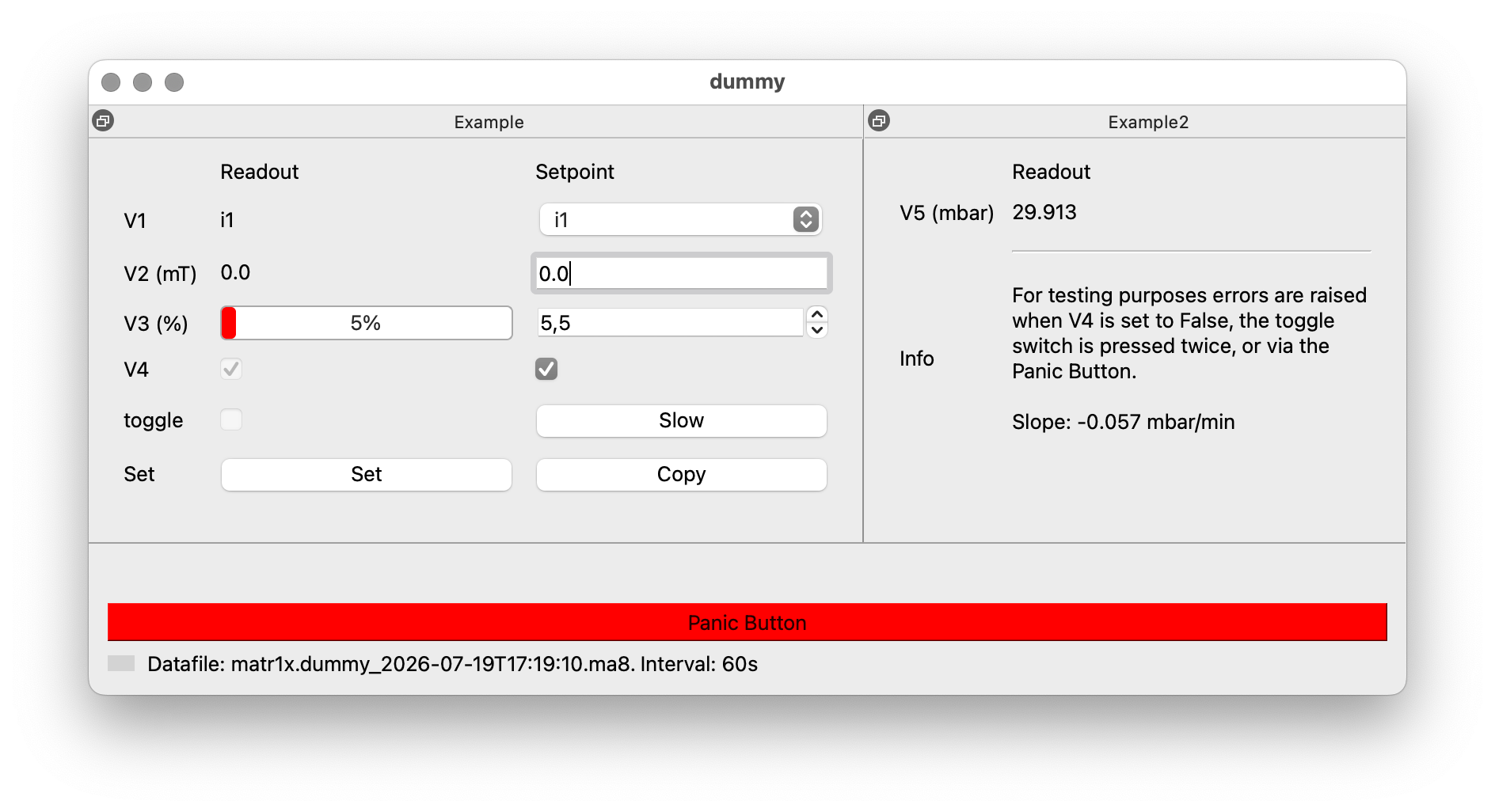 If even more control is required, custom panels called “control-GUI” can be added via an additional file. Then, manual control and general observation of the desired devices can be performed.
Requirements
A Windows, Linux or Mac OS X computer with a Python installation (3.10 - 3.14) is successfully tested to run the software.